Controls that work for you

PlayAbility for Windows

Move, click, and play your way. Bring head movements, facial expressions, voice commands, and adaptive devices into your everyday apps and games.

Download for Windows
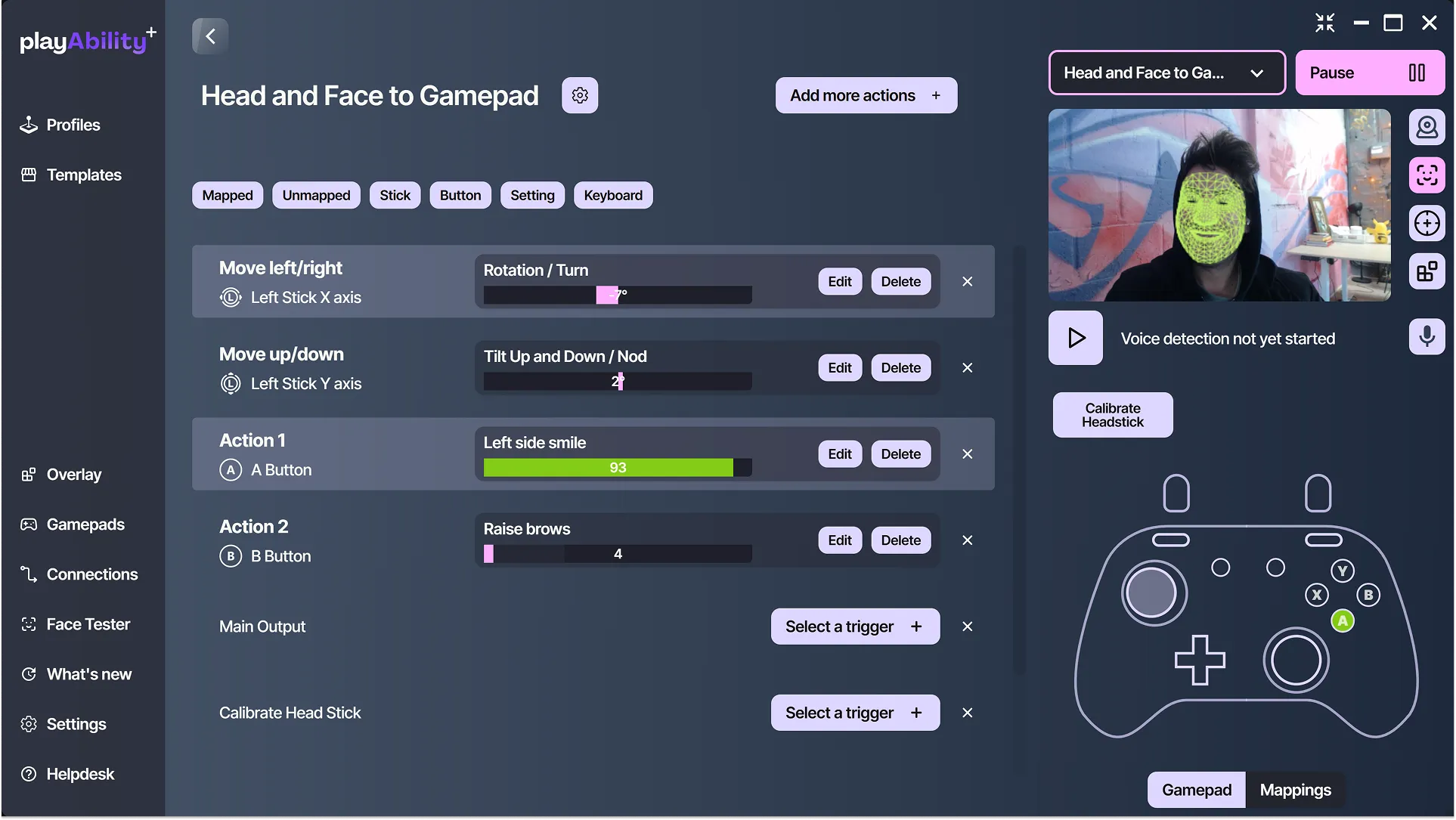
PlayAbility profile mapping head rotation to a joystick and facial expressions to gamepad buttons.
Build your controls in PlayAbility. Windows app shown.

Everyday apps and games

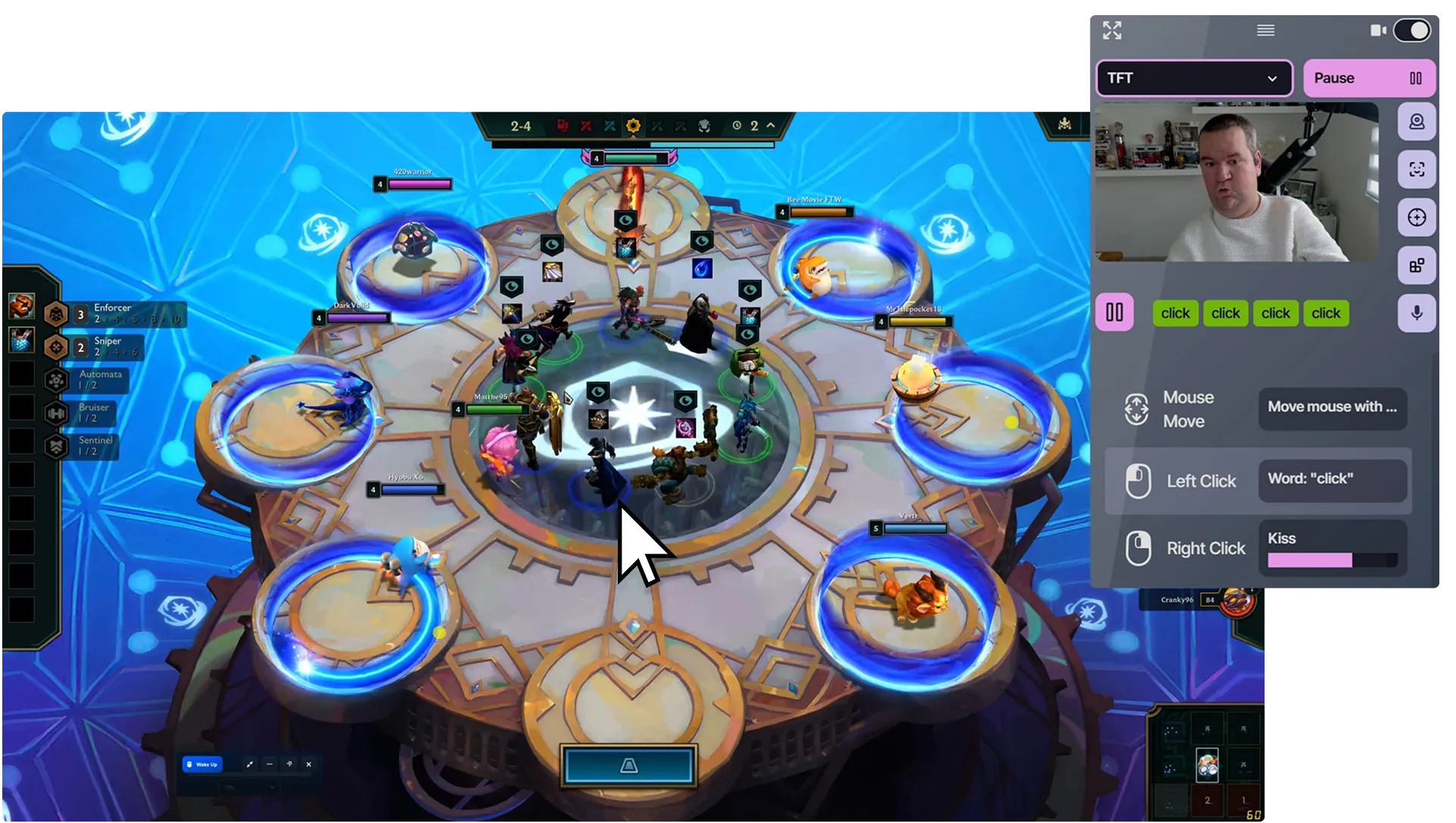
A game beside PlayAbility controls for moving the mouse with the head and clicking by voice.
Head movement controls the pointer; a spoken word triggers a click.

Use everyday apps

Move the pointer with your head, click with your voice or face, and create shortcuts for your tasks.
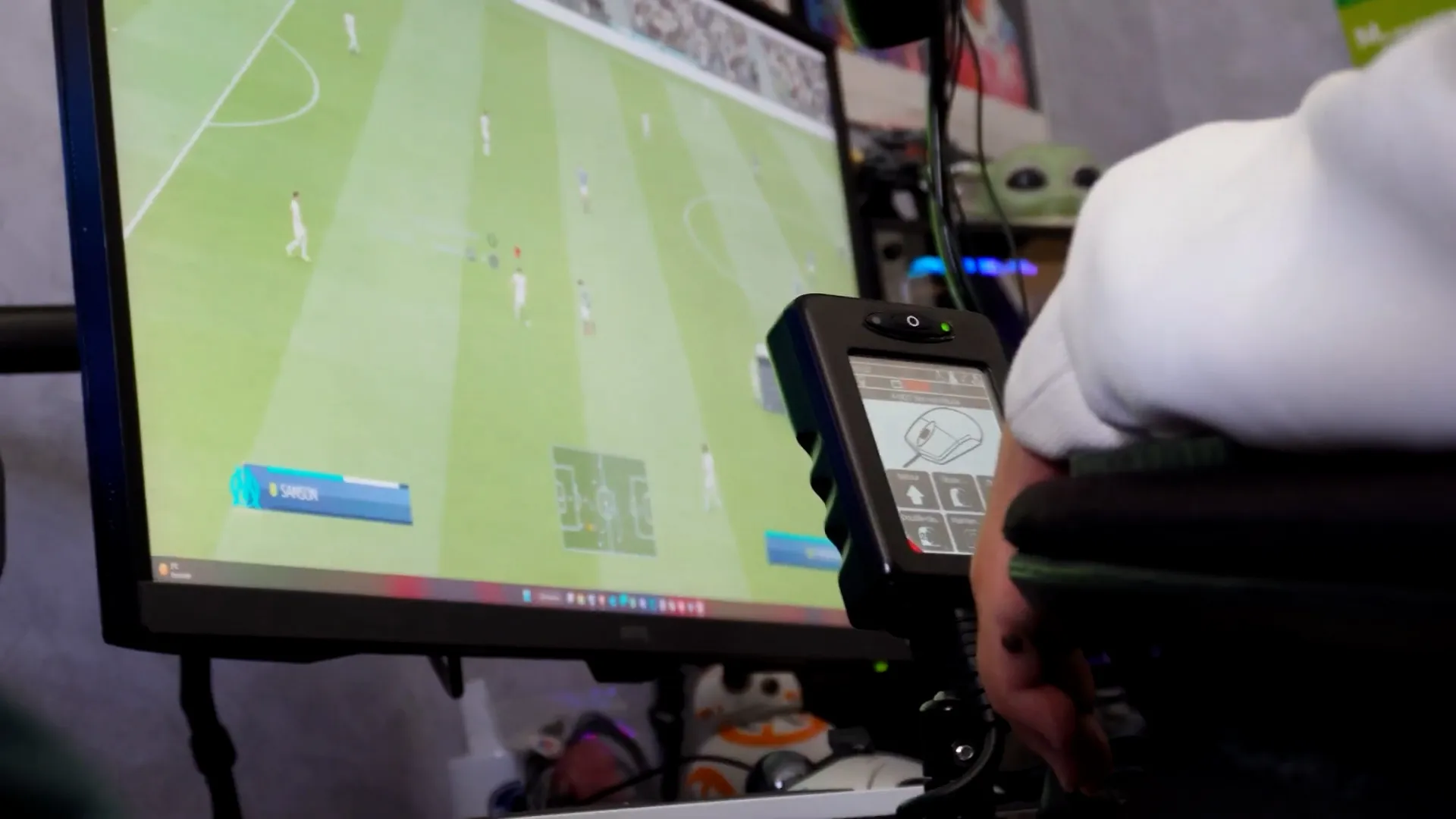
Matthieu playing a football game on a PC with his wheelchair joystick.
Matthieu playing on PC with his wheelchair joystick.

Play your way

Map your preferred inputs to game controls and save a profile for each game.

What you need

  • Windows 10 or 11
  • A webcam or microphone only for controls that use them
  • For games: support for your chosen controller, keyboard, or mouse controls